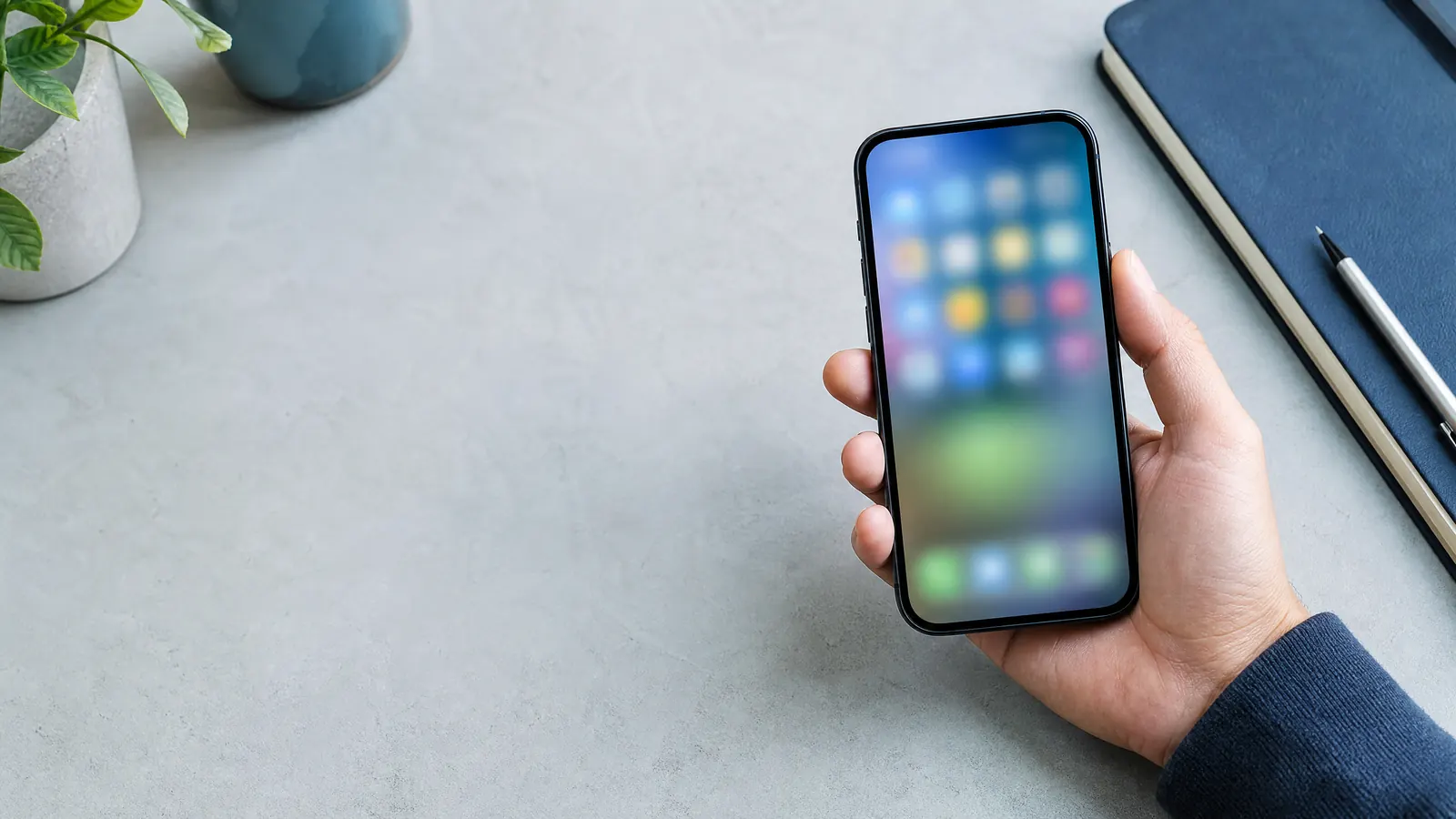
Your phone home screen is an interface you see many times a day. A small reset can make practical actions easier to start while giving less attention to the apps you open automatically.
Step-by-step
List your ten most intentional actions
Think in actions such as checking your calendar, calling family, reading directions, or listening to music. These actions should determine what remains visible.
Keep one useful first page
Place the apps and widgets you genuinely use for daily tasks on your first screen. Move everything else to a second page or app library.
Group by context
Create folders only when the folder name makes the decision easier. Examples include Travel, Home, or Work instead of a large folder called Miscellaneous.
Review notification settings
Turn off nonessential alerts one category at a time. Keep alerts that need a timely response and reduce the rest.
Helpful tips
- Leave empty space if it makes the layout easier to scan.
- Use your system search instead of maintaining too many folders.
- Review the screen after a typical week, not only on day one.
Common mistakes
- Hiding essential tools so deeply that you stop using them.
- Changing every notification setting without checking its purpose.
- Turning organization into a visual perfection project.
Before you continue
- Before deleting an app, confirm whether it stores data locally or is required for account recovery or device security.
Questions answered
How many apps should be on a home screen?
There is no fixed number. The screen works when the apps you need are easy to find and the layout does not create unnecessary decisions.
Should I delete social apps?
That depends on your own goals. Moving an app off the first screen can be a lower-friction experiment before deciding whether to remove it.
This guide is general informational content. It does not replace professional advice for legal, medical, financial, safety, or other consequential decisions.